A redesigned session sidebar: sessions that need you come first, running sessions show live progress, and each task's sessions hang under it with their pull requests.
Choose Mine or Team above a new session; the new session follows the list you are viewing.
Auto shows its Cost, Balanced and Quality choices in one card, opened from the composer.
Connect GitHub per member: personal GitHub links, a GitHub access view in settings and onboarding, and a Connect GitHub or Add repository action in the cloud repository picker.
The session list groups and filters sessions by member.
The mobile app pins sessions, adds touch action menus, and shows each session's owner and agent.
Published docs and artifacts open instantly as a lightweight public page, with a rich preview card when the link is shared in Slack, WhatsApp, iMessage, and other apps.
Public links use a private token: unpublishing revokes the link, and publishing again creates a new one.
Public share links open in your browser from the desktop app.
Context usage and context window reporting for OpenCode, Alan Code, Droid, Command Code and Antigravity sessions; Antigravity also reports a resumed turn's own spend.
Filter the pull request section by team member, with unified provider, check and review visuals.
Cloud usage for organisations: an org Usage page and Org Dashboard with team spend charts, per-team limits, a usage timeline and CSV export. Buy any amount of cloud credits ($5 to $1,000) and see every credit, monthly usage and invoice as a transaction on the Plan page.
A session rail that shows the skills, MCP servers and subagents a session used, and /mcp lists the MCP servers the agent loaded.
Custom command MCP servers run inside agent runs, and Google Workspace and Notion MCP connections complete from desktop and web.
Team Codex pool: connect shared Codex accounts for your team, see pooled usage, and manage each account. Every cloud run uses a bound account and reports what it consumed. Usage-based accounts show spend caps and credits.
GitHub: connect installations from GitHub's own chooser, and see every account and installation with its own state on Connections — repositories load per account, so one broken account no longer hides the others.
Link pull requests to chat sessions from the session menu. (AL-4465)
GitHub organisation connections: connect from chat, select an account, manage multiple installations, route pull request data by repository owner, and view organisation connections in settings.
Product reports: two-panel report detail with a metadata rail, work-impact choices, a searchable and sortable inbox with an impact filter, an evidence thumbnail gallery, linked debug sessions, and mentions that notify reporters.
Runtime indexes imported terminal turns so they load from local history.
Runtime v2: the bundled runtime and agent engine are rebuilt (one live agent per conversation, per-run logs, API-owned connections); desktops update with it.
Desktop UI packs: the app serves a signed, downloaded web UI from app://alan with a bundled fallback.
Start a new session with Cmd/Ctrl+Shift+O; sidebar shortcut hints appear on hover.
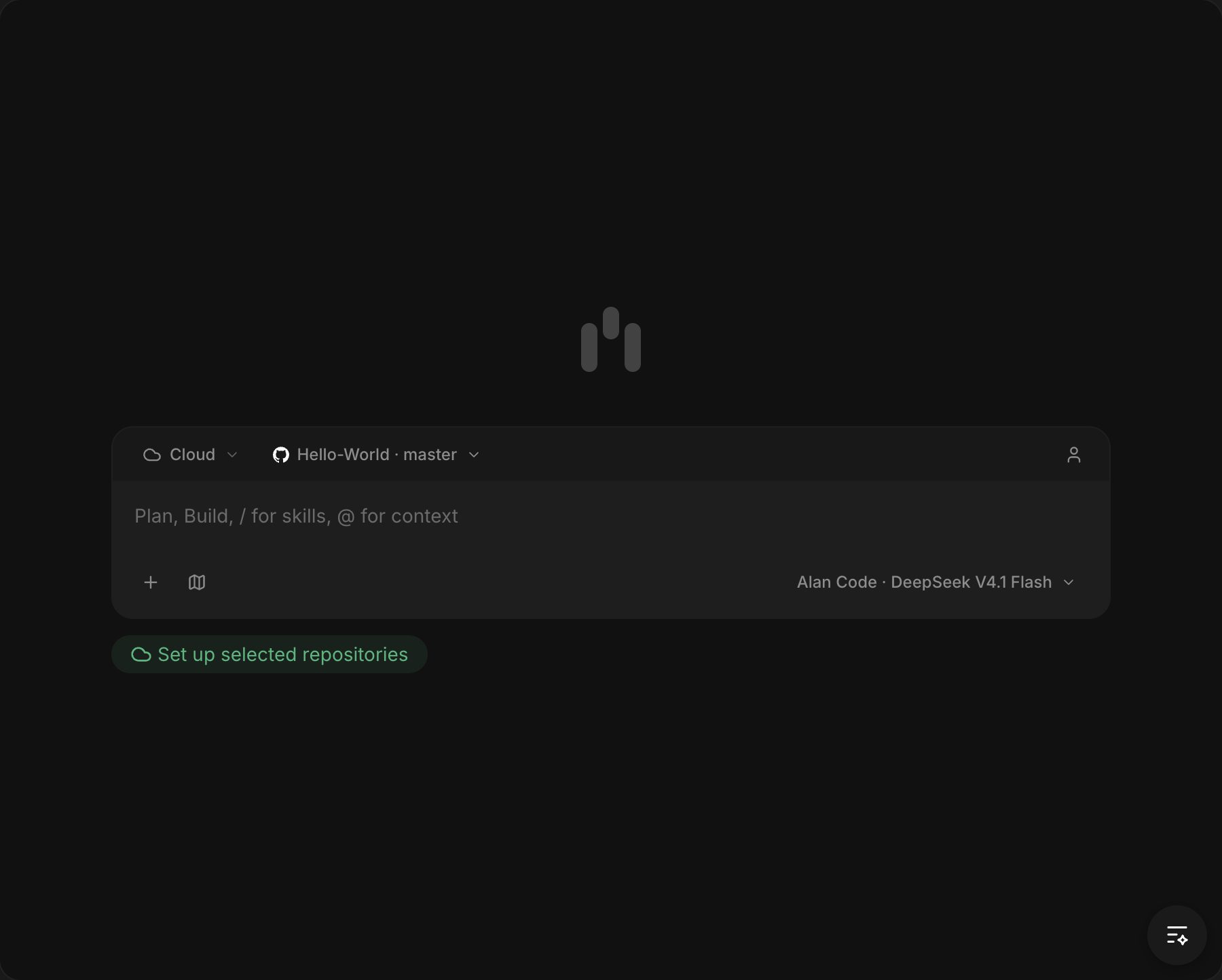
Alan Code, Alan's own coding agent, is the built-in default provider: it runs on the bundled engine with no CLI install or sign-in, and is labelled as built in across the picker and settings.
The desktop app ships the Alan Code engine, so Alan Code works on machines without Node or an OpenCode install.
Alan MCP is available to Command Code, Copilot and Grok sessions.