Plugins and MCP
Install plugins and connect services so every agent on a team can use them.
Plugins add tools and service connections that agents can use, for example reading CI results, querying a database, or opening issues. MCP (Model Context Protocol) is the standard many of these connections use.
Manage team plugins in Settings → your team → Plugins ("Plugins and connections every agent in your team can use"). Manage your own plugins in Settings → Account → Plugins. Type /plugins in the composer to jump there.
Browse the marketplace
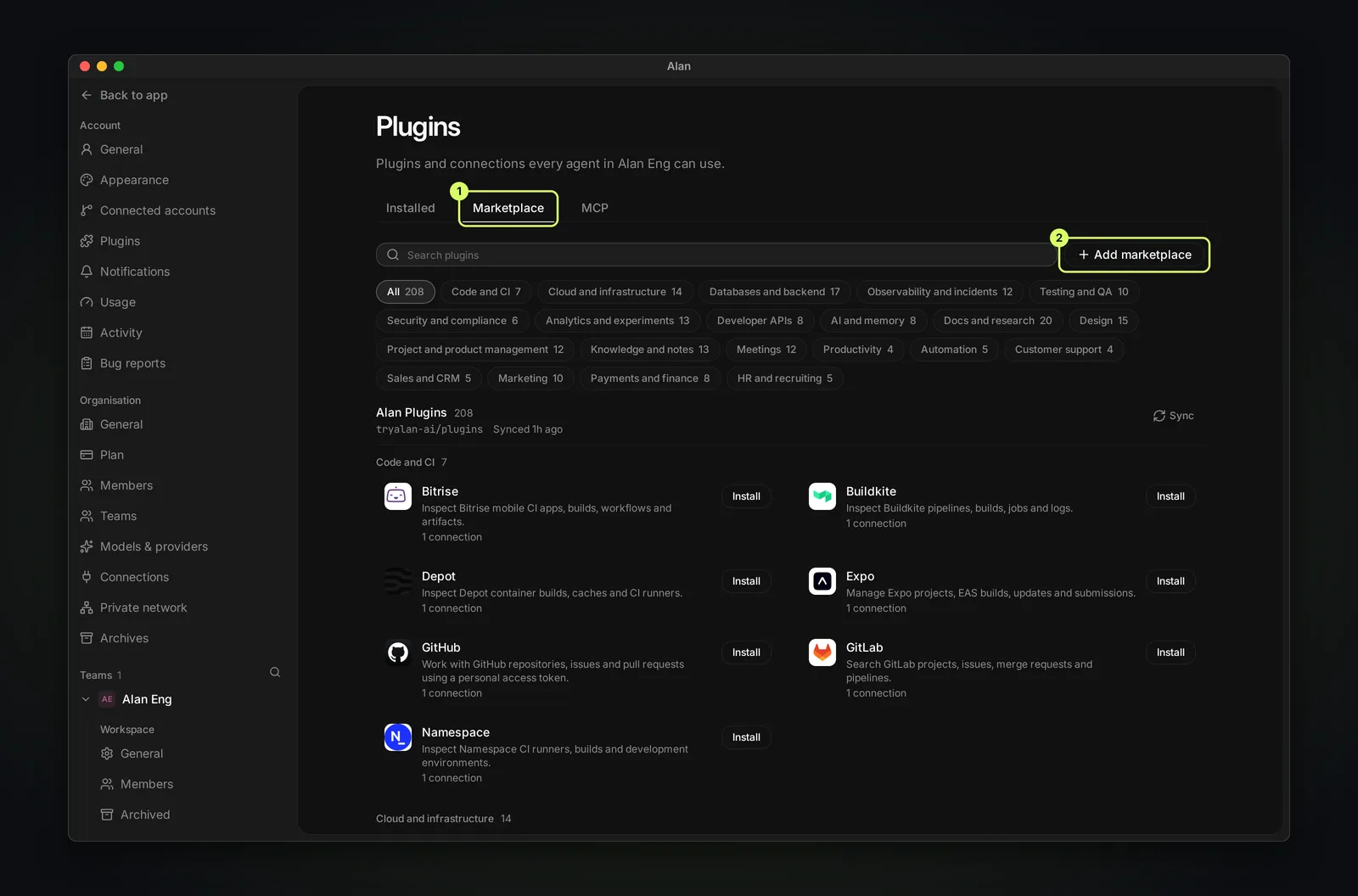
The Marketplace tab lists plugins by category, such as Code and CI, Cloud and infrastructure, Databases and backend, Observability and incidents, Testing and QA, and Design. Search, filter, and choose Install. Add marketplace adds another plugin catalog, and Sync refreshes one. Installed shows what your team has.
Connect services (MCP)
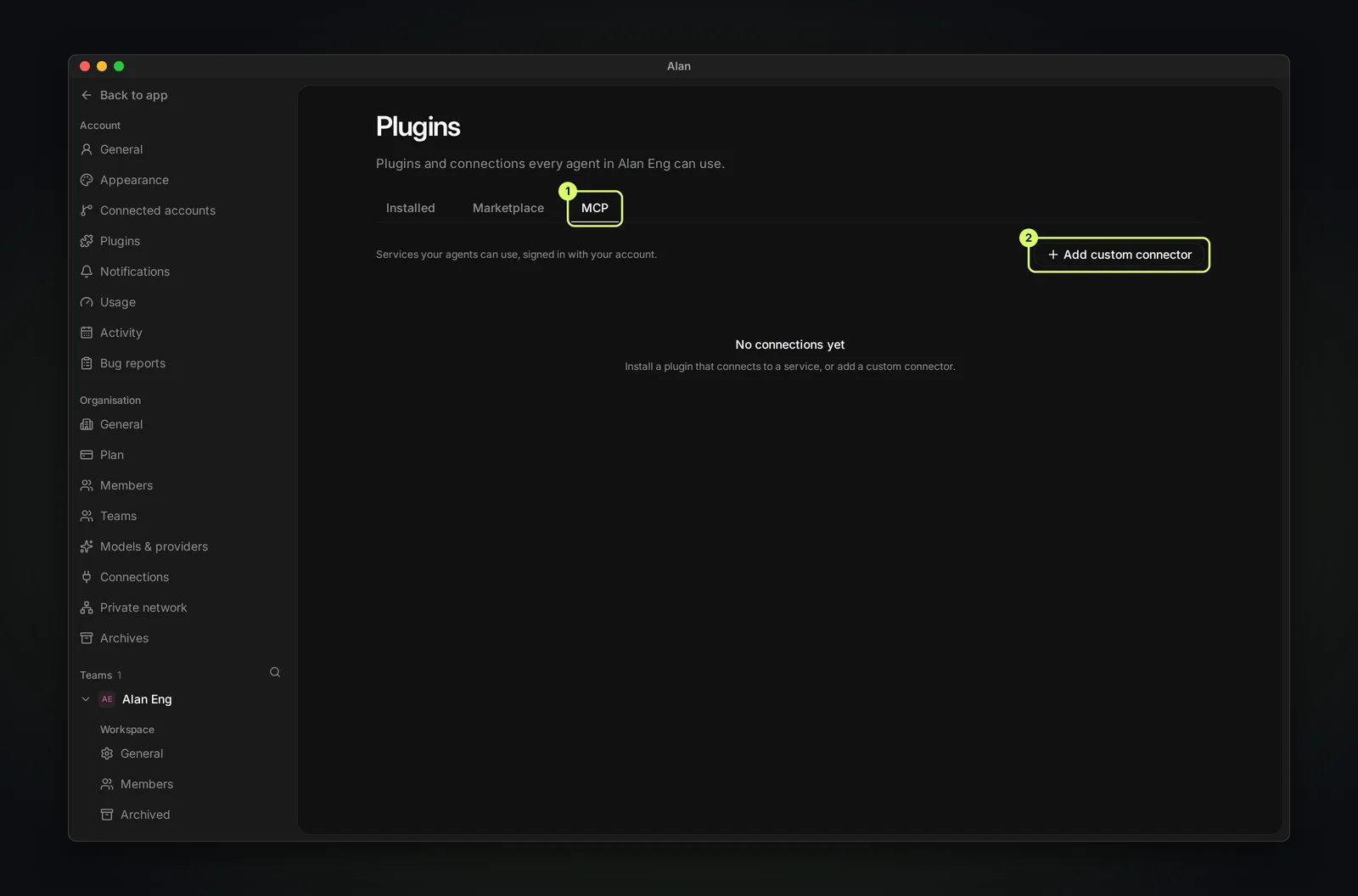
The MCP tab lists service connections that agents can use with your account. Install a plugin that connects to a service, or choose Add custom connector for your own MCP server. Credentials you add are stored encrypted.