Common problems
Find the message you're seeing and fix it yourself.
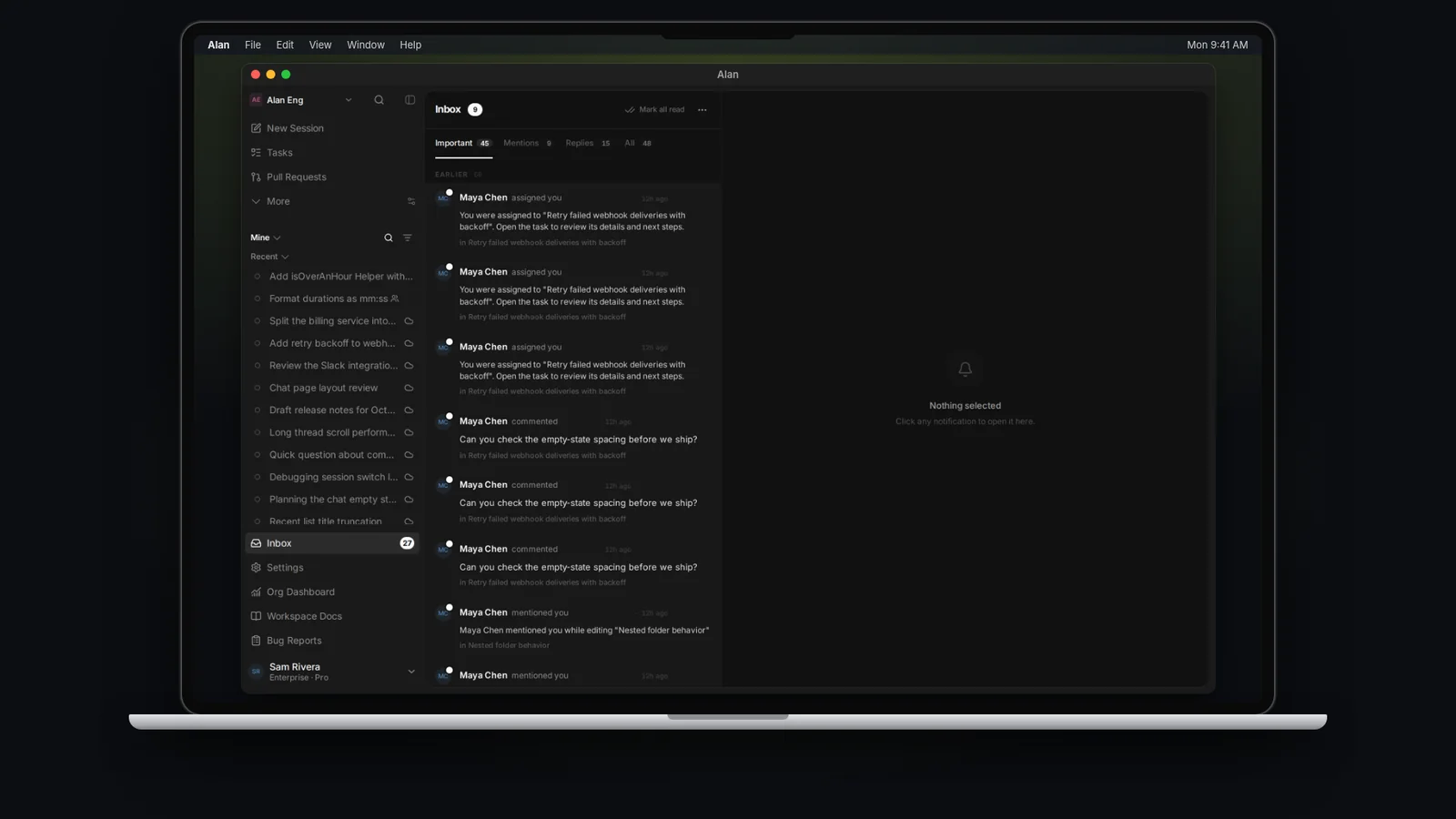
Find the message or symptom you're seeing, then follow the fix. Match the message or label below to what Alan shows. If nothing here matches, report a bug.
Installing on Windows
Alan won't open
When Alan can't load your account after sign-in, it shows one of these screens instead of your workspace.
| Message | What it means | Fix |
|---|---|---|
| Can't reach (server) | "Alan tried three times and got no response." | Check your internet connection or VPN, then choose Try again. |
| The sign-in request was blocked | The server is up, but something on your network stopped the request, usually a VPN, proxy, or security tool. | Try another network or turn the VPN off, then Try again. |
| Your sign-in has expired | You were signed out. | Choose Sign in again. |
| Alan's server had a problem | "Your account is fine. The server failed to load it, usually for a moment." | Wait a minute, then Try again. |
| Alan couldn't load your account | The server refused the request and says why below the title. | Follow the message, or contact support. |
Below the buttons, the screen shows a line such as HTTP 503 · Request 4f2c…. Where the screen offers Message support, choosing it opens a support chat with that line already filled in. Include it in any bug report too.
If the app was in the background for a long time you might instead see "Your session expired while the app was in the background. Sign in again to continue." Choose Sign in again.
Access and setup
Sending and running
The app looks out of date
Still stuck
Collect the page you were on, what you did, and the exact message (including any HTTP … · Request … line), then report a bug. For cloud environment and computer problems, also see Cloud and local troubleshooting.