Code context
Give every agent the product and code context it needs to make grounded decisions.
What code context does
Code context lets agents search the selected branch of a linked repository. It includes source code and eligible documentation, such as Markdown files in docs/ and notes/. Agents use the results to find relevant files, then check the current checkout before answering or making changes.
Turn it on
Codebase indexing is a team setting that any team member can change. It depends on your plan.
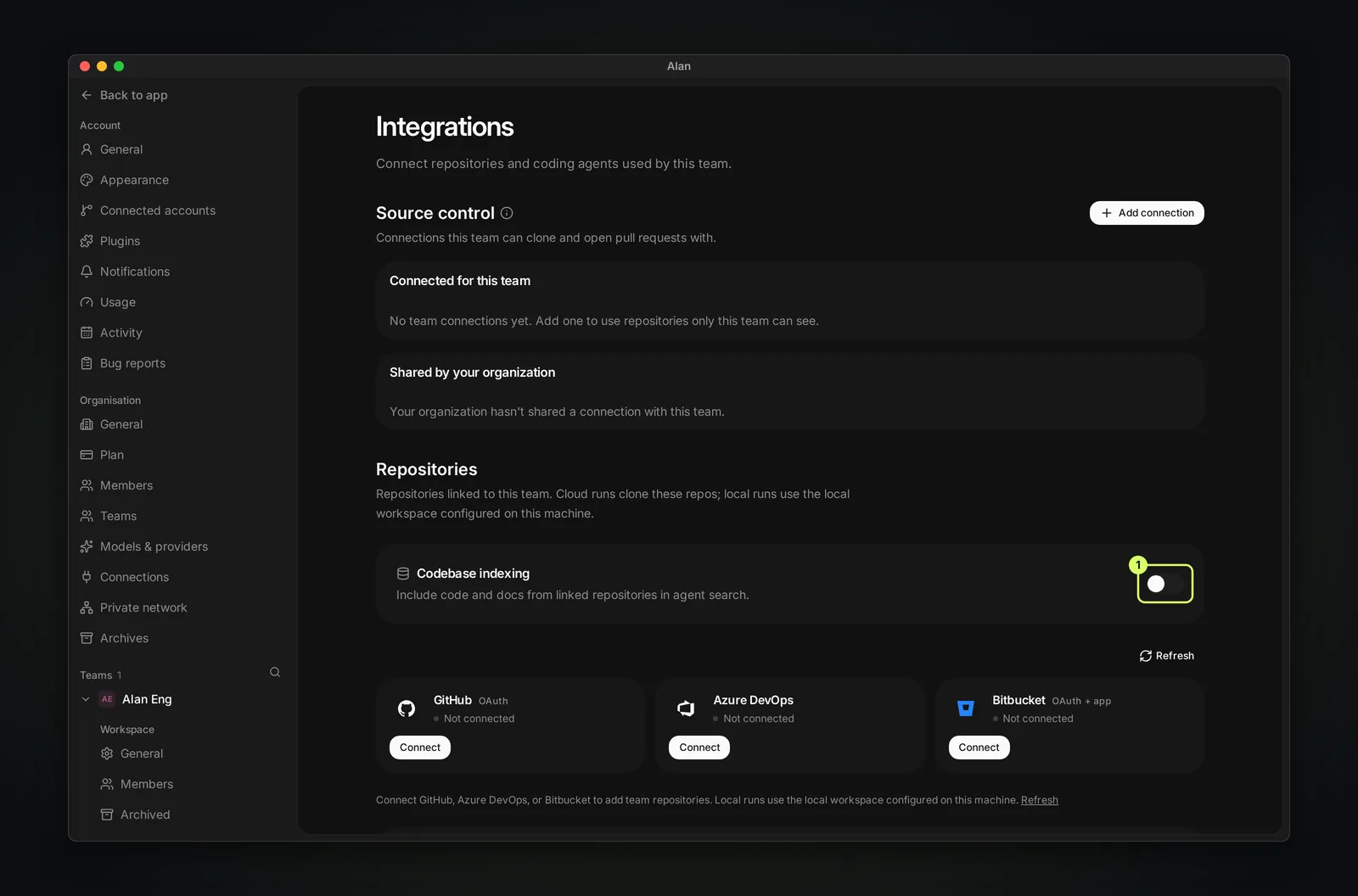
- Open Settings, then your team's Integrations.
- Under Repositories, switch on Codebase indexing ("Include code and docs from linked repositories in agent search").
- Each linked repository shows its status: Not indexed, Indexing... (fetching files, processing files, building the search index), Indexed, Paused, Failed, or No update needed.
- Use the repository's action to Index, Reindex, Resume, or Try again. Index details shows a summary and offers Pause and Delete index data.
Alan reindexes when you change a repository's branch ("Branch updated — re-indexing for search"). If the index falls behind, choose Reindex.
What gets indexed
Readable project files, including .md and .mdx documentation, help agents understand both the implementation and the decisions behind it.
Files that are generated, binary, oversized, ignored by the repository, or likely to contain secrets stay out. Your repository rules still apply.
How agents use it
When an agent needs to understand a codebase, it first searches code context for broad orientation. The result points to relevant files, symbols, and excerpts. The agent then reads the current local source before making a claim or editing code, because a local worktree can differ from the indexed branch.
Agents have two useful tools:
code_context_statuschecks availability and returns the safe repository choices for the team.search_code_contextfinds code and documentation from a question or symbol name. It can select a relevant team repository automatically, or search a specific connected repository.
An empty result does not prove the code is missing. The index may be unavailable, still updating, or behind the current checkout.
Context graph: team memory
The Context graph is team memory that agents can search: decisions, constraints, procedures, and prior work. It lets an agent recover why something was decided, not just what the code does.
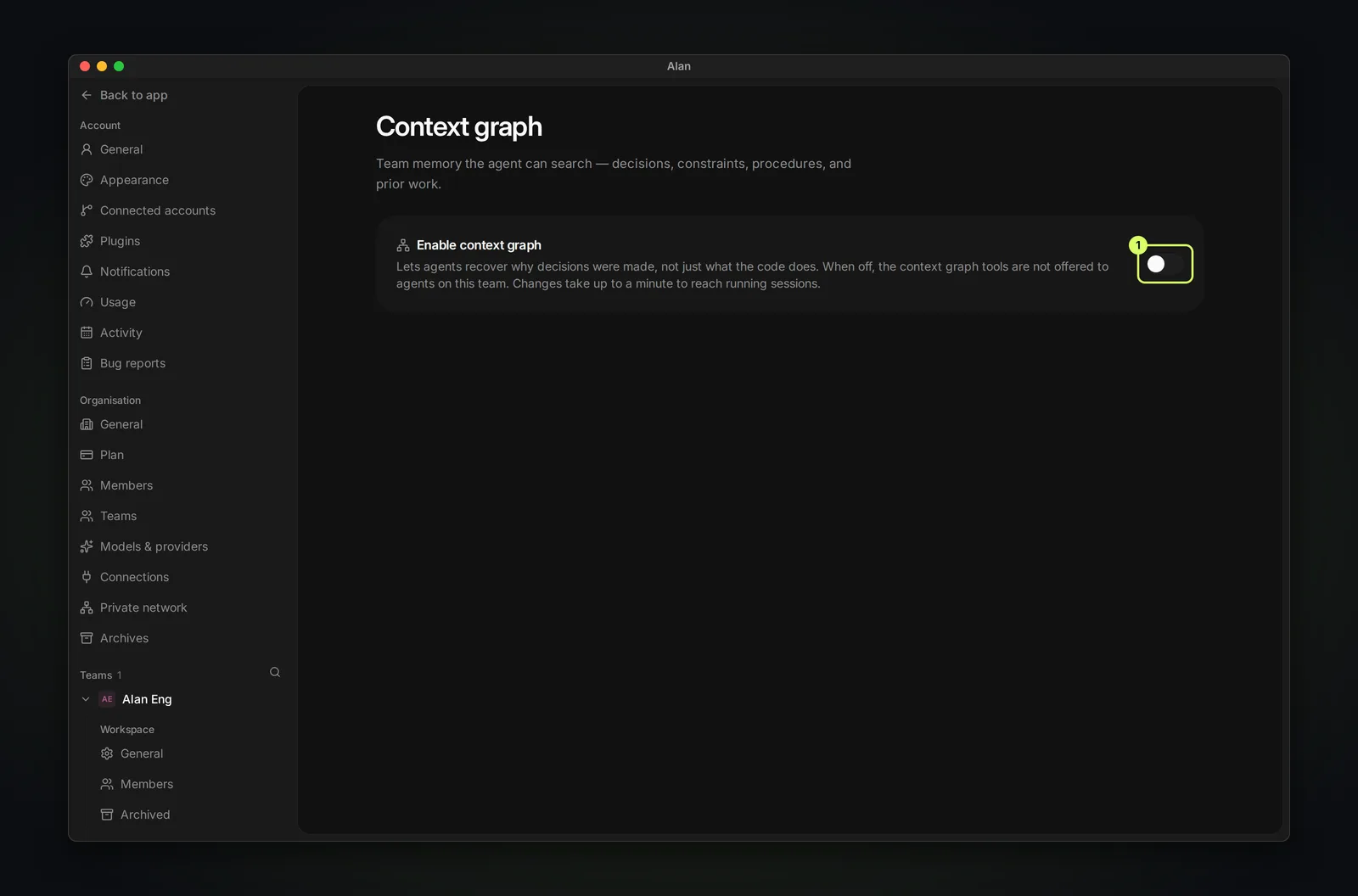
Switch on Enable context graph in Settings → your team → Context graph. When it's off, the context graph tools aren't offered to agents on the team. Changes take up to a minute to reach running sessions. Like indexing, it depends on your organization's plan; the team switch alone doesn't grant access.
During a session, memory lookups appear in the transcript as Searching memory, then Recalled memory, No memory found, or Memory unavailable.
When something is missing
- No repository appears: link it in Settings → your team → Integrations first. See Connect GitHub.
- The index is behind: choose Reindex and wait for Indexed.
- Indexing failed: choose Try again. If it keeps failing, open Index details, choose Delete index data, then Reindex.
- A recent local change is absent: the shared index follows the configured branch, not unpushed local work. Ask the agent to inspect the local checkout.
- A document is absent: ensure it is a readable
.mdor.mdxfile, is not ignored, and does not contain sensitive material.