Welcome to Alan
Alan is a software factory for planning work, running coding agents, reviewing changes, testing, and deploying.
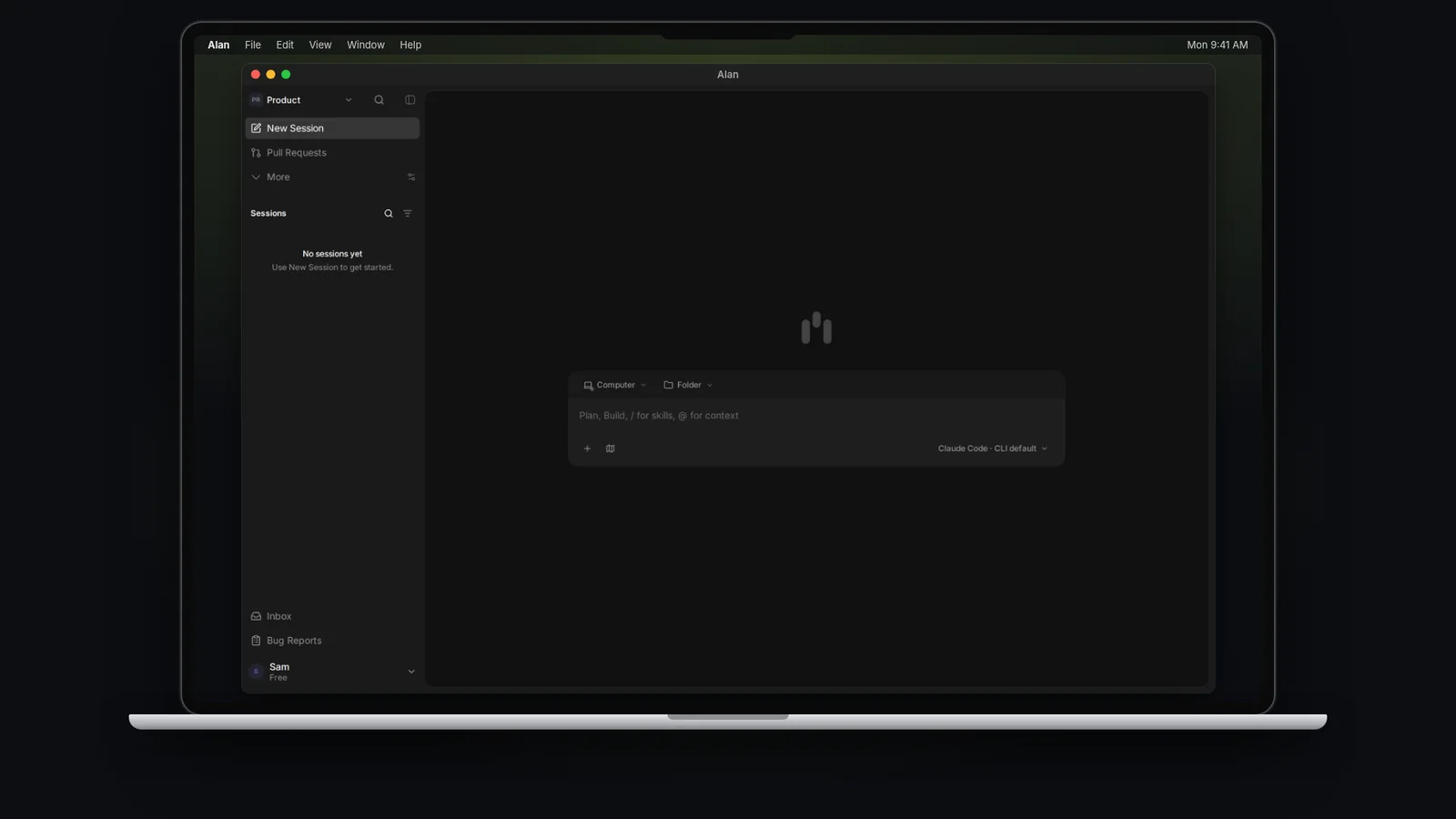
Alan helps you plan, build, test, and review software. Describe what you need in a session, where an agent works on a cloud sandbox or a connected computer. Ask it to save plans and test reports as artifacts so you can find and review them later.
Small questions can stay in a session. Work that needs follow-through, evidence, or a second pair of eyes belongs in a task, so its plan, changes, and test results stay together.
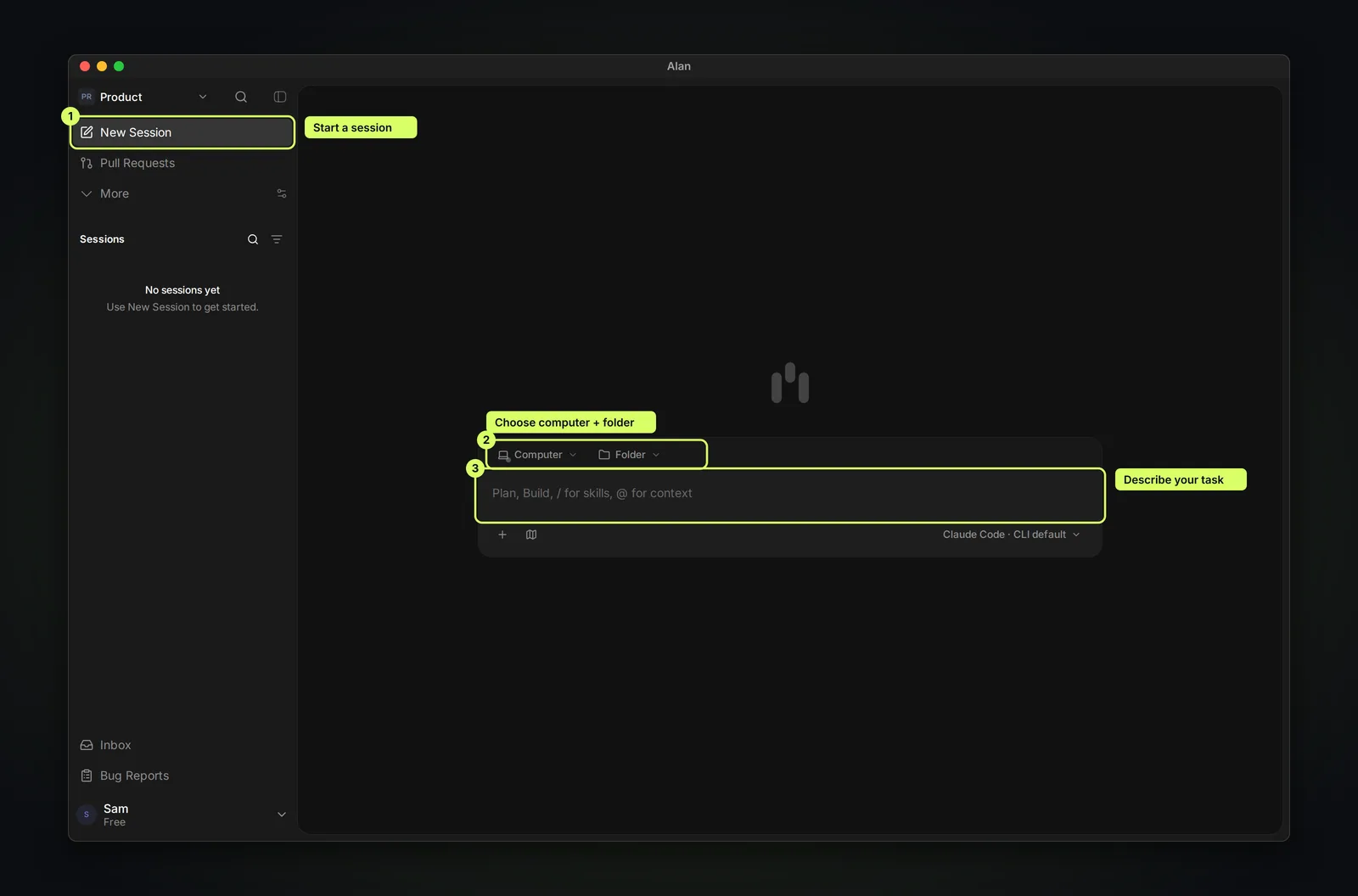
Starting solo
Start with the Alan desktop app, a coding agent you can use, and a project folder on your computer. You do not need GitHub or Tasks to begin. This guide starts with local execution. Cloud is also available on eligible plans; you do not need it to begin.
Follow the Starting solo quickstart on the docs home page: sign in, connect your computer and agent, then start your first session. Continue to GitHub and pull requests when you need them.
How work moves
Describe the work
Start from New Session for a quick request, or create a task when the result should be reviewable later. Give it a concrete outcome.
Choose where it runs
Every session runs on an execution target: a managed cloud sandbox, or a computer you connected. See Cloud sessions and execution.
Let the agent plan and build
The agent reads your repository and context, then plans, edits, and runs commands. Ask for a plan artifact first when the work is non-trivial.
Review the evidence
Check the changes, test reports, screenshots, and CI before you merge.
Move the task forward
Set the task to In Review while the pull request is reviewed, and Done once it ships. Creating the first session moves a task from a Not started status to the team's first Active status, usually In Progress. Opening or merging a pull request does not change task status.
To run this whole loop on one task, see Complete a task with an agent.