Glossary
Plain definitions of the terms used across Alan and these docs.
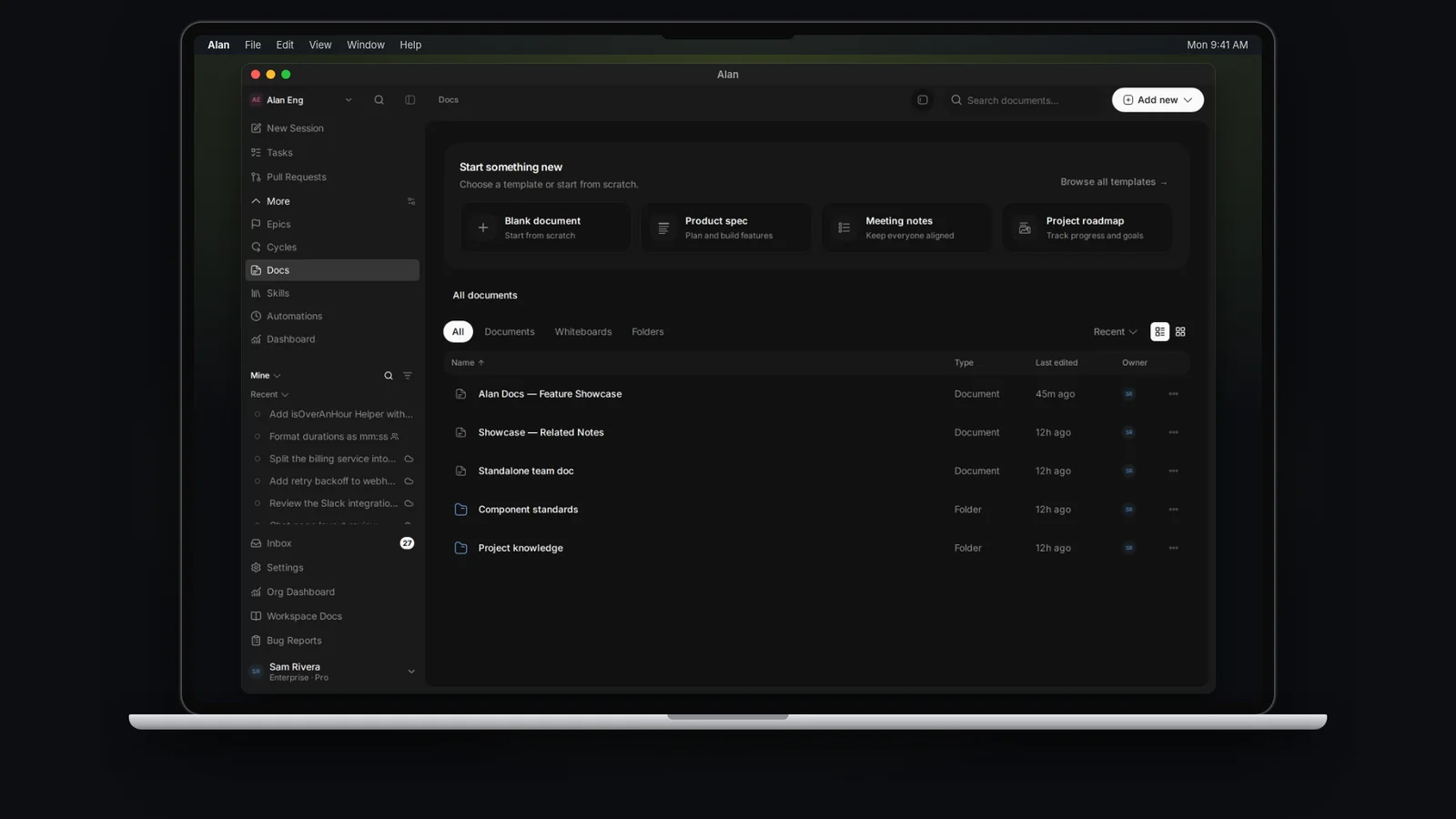
The terms you'll meet most in Alan. Where two terms are easy to confuse, the definition says how they differ.
Organization and teams
Organization (workspace): Your company's account in Alan. It holds teams, members, the plan and billing, model providers, and shared connections. Not to be confused with a local workspace, a folder on a computer where an agent works. See Organisation settings.
Team: Where day-to-day work happens. A team has its own members, settings, repositories, cloud environment, sessions, tasks, docs, skills, and automations. See Members and teams.
Team identifier: The 2–4 character prefix of a team's task IDs, for example AIE in AIE-1234. See Links and IDs.
Admin and Member: The two roles, held once in the organization and once in each team. See Roles and permissions.
Inbox: Your notifications, in the sidebar.
Sessions and agents
Session: One conversation with an agent, running on an execution target. Start one from New Session, from a task, from Slack or Microsoft Teams, or from an automation. Older docs and Alan's tools call it a conversation or chat. See Start a session.
Individual and Team sessions: Who can see a session. Individual sessions are only visible to you; Team sessions appear in teammates' session lists.
Turn: One round of agent work after you send a message, shown as Working, Waiting for input, Worked, or Stopped. See Session lifecycle.
Mode: Agent works directly. Plan is read-only: the agent inspects the code and writes a plan without changing files.
Agent profile: The role Alan plays in a session: Orchestrator, General Agent (the default), Review Agent, PM Agent, or Designer. See Agent profiles.
Coding agent: The CLI that edits files and runs commands, such as Alan Code, Claude Code, or Codex, with one of its models. Different from an agent profile, which sets the role. See Coding agents and models.
Skill: A packaged set of instructions an agent loads when a job matches it. Type / in the composer to use one. See Skills.
Plugin and MCP: Plugins add tools and service connections for agents; MCP (Model Context Protocol) is the standard many of them use. See Plugins and MCP.
Automation: Saved agent instructions that run on demand, on a schedule, or from an event. Previously called a workflow. See Automations.
Where agents run
Execution target: Where a session runs: Cloud, This computer (the desktop app), or a Remote computer or VM. See Cloud sessions and execution.
Computer and team VM: A machine you connect to Alan. Your own computers are listed in Settings → Account → General → Computers in the desktop app; shared team VMs are in Settings → your team → VMs. See Local execution.
Cloud environment: A team's saved setup for cloud sessions: repositories, environment files, setup commands, and coding agents. Configure it in Settings → your team → Cloud Environment. See Cloud setup.
Image: The prepared starting point a cloud environment builds, so new cloud sessions don't have to install everything again. See Images.
Sandbox: The cloud machine a session runs on. It can be running, paused, stopped, deleted, or failed, independently of the session's history. See Sandboxes.
Environment setup skill: The built-in alan-environment-setup skill that Set up cloud environment runs to install and verify a project and build its image. See Set up with an agent.
Work and planning
Task: A tracked unit of work with a title, brief, status, priority, assignee, labels, subtasks, sessions, and artifacts. Each has a readable ID such as AIE-1234. See Task detail.
Subtask: A smaller piece of a task with its own status. See Subtasks and status.
Status and status group: Where a task or epic is in its lifecycle. Every status belongs to one of four groups: Not started, Active, Done, or Closed. See Statuses.
Epic: A group of tasks that deliver one outcome, with its own status, lead, target dates, and progress. Readable ID EP-1. See Epics.
Cycle: A scheduled period, two weeks by default, for the work your team plans to finish. Readable ID CY-2. A task can be in an epic and a cycle at the same time. See Cycles.
Backlog: The first status in the Not started group. Every team must keep it, for tasks and for epics.
Outputs
Artifact: An output of work on one task, automation, or session: a Plan, Test report, Document, or Whiteboard. See Task artifacts.
Document: A standalone team page, such as a PRD, spec, or wiki, under Docs. Different from an artifact, which belongs to one piece of work. See Documents and artifacts.
Whiteboard: A collaborative canvas for diagrams and sketches, under Docs or as an artifact. See Whiteboard.
Workspace Docs: Organization-wide documents and whiteboards, available on the Enterprise tier.
Published link: A public, read-only link to a document, whiteboard, or artifact. See Links and IDs.
Context
Codebase indexing: Adds code and docs from a team's linked repositories to agent search. See Code context.
Context graph and memory: Durable context, such as decisions and what Alan remembers about a task, that agents can use in later sessions. See Code context.
Plans and billing
Feature tier: Decides which features your organization has: Free, Individual, Team, or Enterprise.
Usage plan: Each seat's monthly model and cloud allowance: Pro, Pro+, or Max.
Seat: One member's place on the plan. Each member needs one.
Usage credits: Purchased budget for cloud sandboxes and Alan Code, managed in Settings → Organisation → Plan. See Plans and limits and Usage and credits.